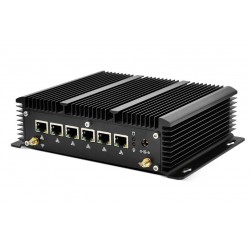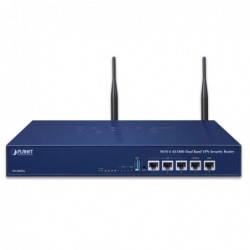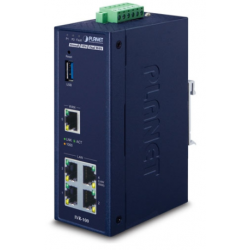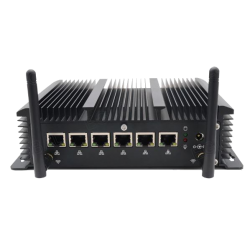
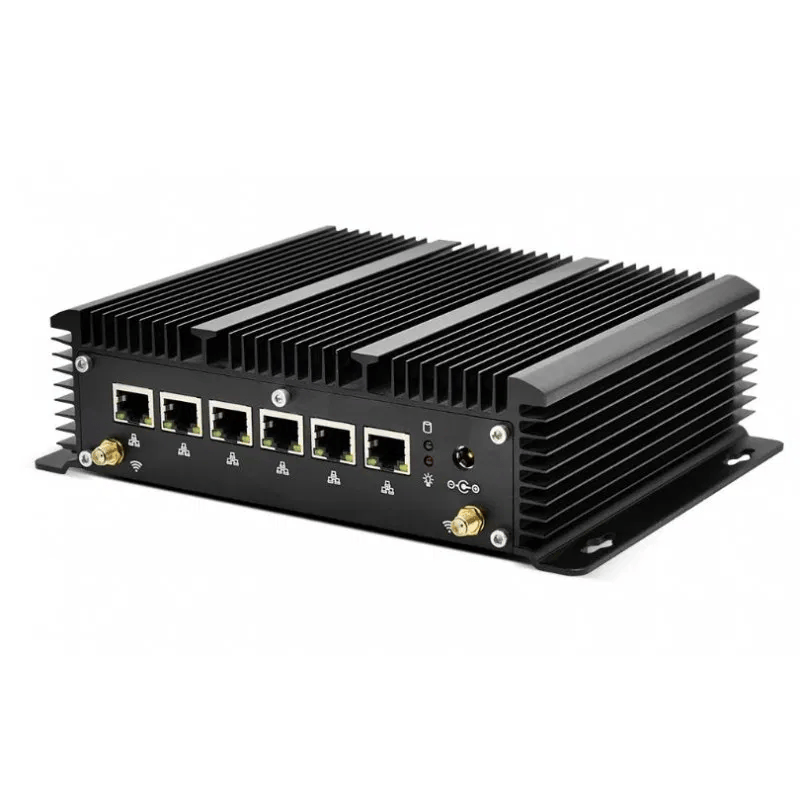
A firewall is a form of digital protection that acts like a wall between your internal network and external networks. Its main task is to monitor and filter the traffic entering and leaving your network based on predefined rules. In this way, a firewall can block malicious traffic, prevent hackers from gaining access, and protect your data from threats such as malware, viruses, and hacking attempts.
.png)
How does a firewall work?
A firewall works by analyzing the data packets that travel back and forth between networks. These packets contain information such as IP addresses, port numbers, and protocols, which the firewall uses to decide whether traffic should be allowed or blocked. Firewalls can either analyze each packet individually (stateless) or track and analyze the state of the entire connection (stateful), which makes them better at detecting attacks.
How a firewall protects your network
A firewall protects your network in several ways, depending on the type you use:
-
Blocking malicious traffic
The most important function of a firewall is to block traffic that may be harmful. This includes viruses, malware, and hacking attempts that can enter your network and damage your systems. -
Preventing unauthorized access
The firewall ensures that only users and devices with the correct permissions can access your network. This helps keep hackers and other unwanted actors out. -
Controlling applications and websites
Some firewalls can block certain applications or restrict access to unsafe websites. This protects against malicious downloads and helps ensure users do not accidentally access risky sites. -
Monitoring traffic
A firewall monitors all traffic on your network and can quickly detect suspicious activity. This allows you to identify and respond to security threats in real time. -
Protection against DDoS attacks
Firewalls can also help protect against Distributed Denial of Service (DDoS) attacks, where attackers attempt to overwhelm your network with traffic and cause downtime. The firewall can filter excess traffic so your network remains available.
Types of firewalls
There are different types of firewalls, each with its own advantages. Here are four common types and how they work:
-
Network-based firewall
- Example: Cisco ASA (Adaptive Security Appliance)
- How it works: This type of firewall protects an entire network by being placed at the boundary between your internal network and external networks. It analyzes all inbound and outbound traffic and ensures that only legitimate traffic is allowed.
-
Host-based firewall
- Example: Windows Defender Firewall
- How it works: This type of firewall is installed on individual devices, such as a computer or smartphone. It protects only the device it is installed on and controls all traffic entering and leaving it. Windows Defender Firewall is preinstalled on most Windows computers and helps protect users even when they connect to public Wi-Fi networks.
-
Stateful firewall
- Example: Palo Alto Networks PA-Series
- How it works: A stateful firewall tracks active connections and can make decisions based on the full connection context. This enables it to detect patterns in traffic and block malicious activity that may look harmless at first glance.
-
Next-Generation Firewall (NGFW)
- Example: Fortinet FortiGate
- How it works: A next-generation firewall goes beyond the basics. In addition to traditional traffic filtering, an NGFW offers advanced features such as deep packet inspection, malware protection, and application control. It can identify specific applications and detect advanced threats such as ransomware.
Benefits of using a firewall
-
Basic network security
A firewall is your first line of defense against external threats and helps stop malicious traffic before it can do harm. -
Customized security rules
You can tailor firewall rules to match your needs. This provides flexibility and can help protect specific parts of the network more effectively. -
Preventing data theft
A firewall helps protect sensitive information such as personal data or company information by preventing unauthorized external access. -
Monitoring and controlling network activity
A firewall enables you to control which applications and websites can be accessed, which can help protect network resources.
Frequently asked questions about firewalls
-
What is the difference between a firewall and antivirus?
A firewall protects your network by blocking malicious traffic, while antivirus removes malicious software from your devices. Both tools are important for effective protection. -
Should I use both a firewall and antivirus?
Yes, it is a good idea. They work together to protect against different types of threats: the firewall blocks threats from outside, while antivirus removes threats that have already entered. -
Can a firewall protect against all threats?
A firewall is an important part of security, but it should be combined with other measures such as antivirus and security updates to achieve strong overall protection. -
How do I know if my firewall is working correctly?
Most firewalls provide a dashboard or logging feature that shows blocked threats. Regular testing and updates can help ensure the firewall works as intended. -
What is the best type of firewall for a small business?
It depends on your needs, but many small businesses choose a next-generation firewall (NGFW) because it combines traffic filtering with advanced security features.